Modern UI
Version 0.13.0 · 28 October 2026
Plugin for ATAK-CIV 5.5 and newer
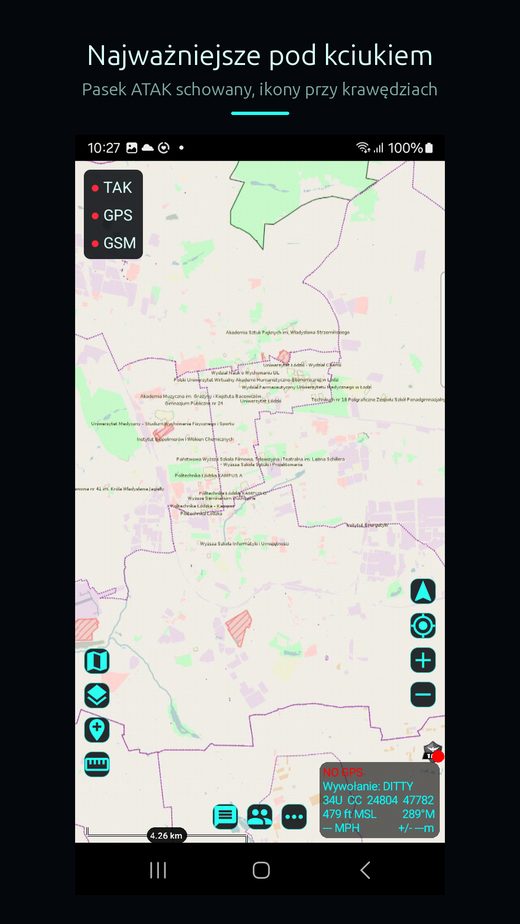
Hides the ATAK toolbar and lays the most used functions along the screen edges, within reach of a thumb. Phone in portrait, one hand.
Why it exists
ATAK was designed for a tablet held in landscape. On a phone in portrait the toolbar covers the map and the icons sit out of the thumb's reach.
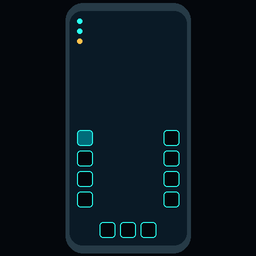
Modern UI hides that toolbar and puts two columns of icons in the lower half of the screen. It adds no features. Every icon runs something ATAK already does.
What is on screen
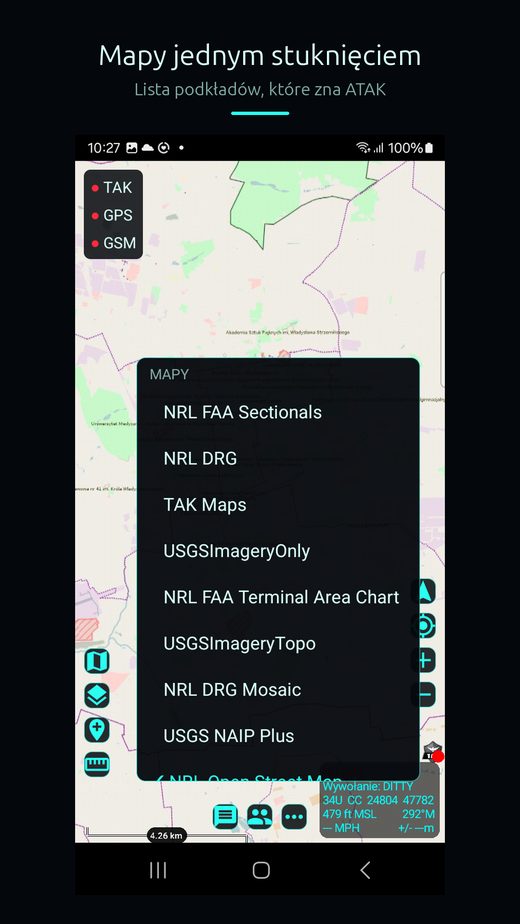
- left column: maps, layers, drop a point, measure distance and bearing,
- right column: 3D map, map rotation, compass, own position, zoom in and out,
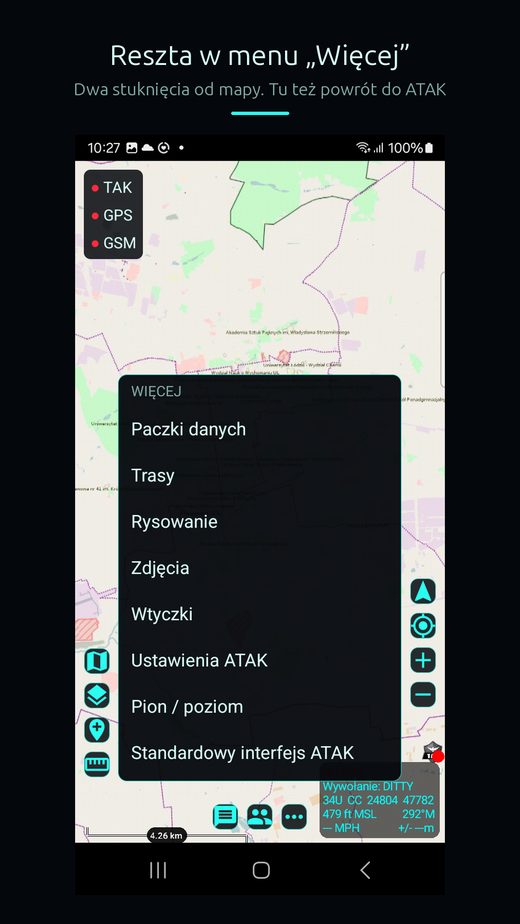
- bottom row: chat, contacts, the „More” menu and „Map only” mode,
- status frame: the time plus TAK server, GPS and cellular status, each in its own colour.
Windows above the map
ATAK windows such as contacts or the overlay manager float above the map. They can be moved, resized and collapsed into a strip in the screen corner. The map stays at full size underneath.
The plugin remembers each window's position and size separately for portrait and landscape.
Custom toolbar and themes
In „More” → „Customise” you pick up to six ATAK tools, or tools of other plugins, and set their order. A theme sets the accent colour, the background and the text size. It can be saved to a file and moved to another phone.
What it taught me
Rotating the screen from a plugin works only through an ATAK intent, not by writing the preference. The write alone leaves windows on the left and the right half of the screen grey. The phone showed that defect, the emulator did not.
Screenshots